
News
Amazon Updates FBM Policy Violations: Offers Are Now Deactivated Individually, Not the Entire Account
September 9, 2026
Key Takeaways
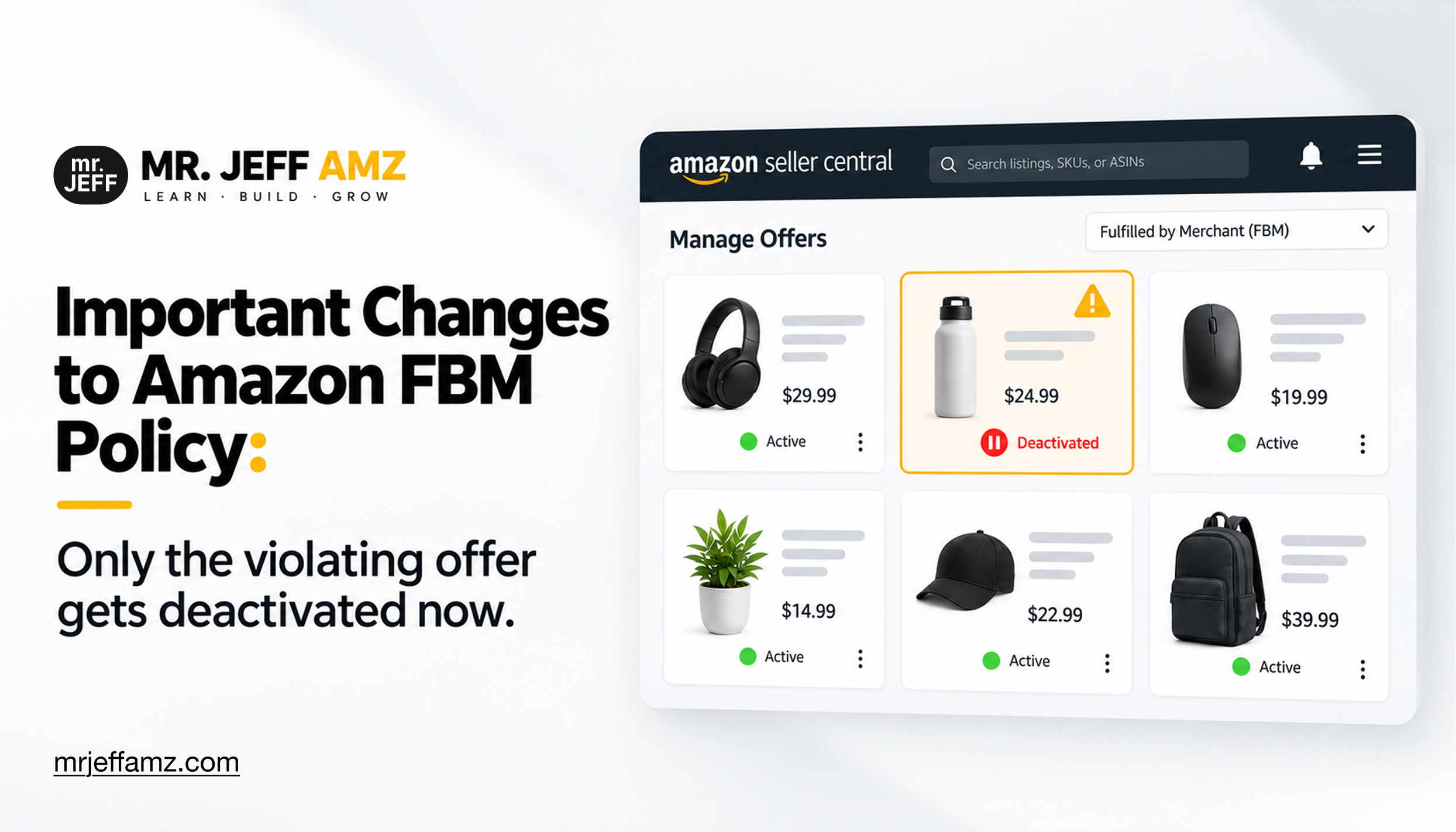
- Starting August 31, 2026, Amazon deactivates only the specific FBM offer that violates policy, leaving other listings and overall account active.
- Amazon evaluates four metrics before deactivating an FBM offer: Cancellation Rate, Late Shipment Rate, Order Defect Rate, and On-Time Delivery Rate.
- Sellers receive a warning email before offer deactivation and can reactivate through Account Health dashboard by fixing the root cause and submitting an appeal.
- Offer deactivation affects one listing and requires targeted appeal, while account deactivation suspends the entire business and typically involves fraud or IP complaints.
- Ignoring or mishandling repeated offer-level violations can escalate into account-level review and full suspension by Amazon's enforcement systems.
If you sell Fulfilled by Merchant on Amazon, you already know the feeling. One late shipment, one canceled order, one string of bad luck with a carrier, and suddenly your entire account is flagged as at risk. For years, a single underperforming listing could put your whole FBM business on the line, regardless of how well the rest of your catalog performed.
Amazon has been gradually rethinking that approach. Earlier in 2026, the platform moved to listing-level enforcement specifically for On-Time Delivery Rate. As of August 31, 2026, that same logic now applies more broadly across FBM performance policies. This is a meaningful shift for sellers who have spent years worrying that one problem product could take down everything they built.
What's Changing in Amazon's FBM Policy?
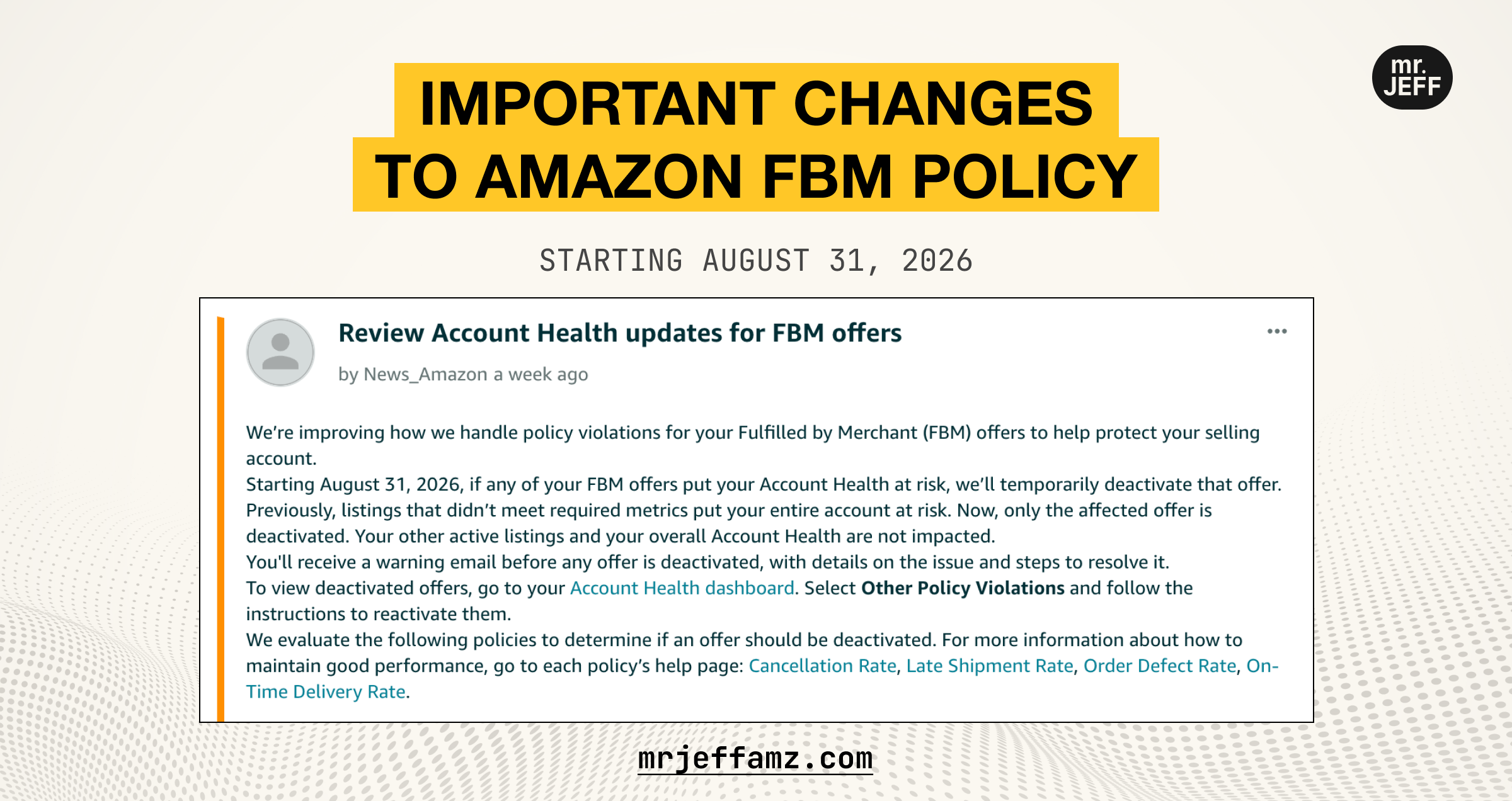
Starting August 31, 2026, Amazon will temporarily deactivate an FBM offer if it puts the seller's Account Health at risk.
Previously, when an FBM listing failed to meet required performance metrics, the risk extended to the entire selling account. A seller could see their whole catalog deactivated because of issues tied to just one or two offers.
Under the new system, Amazon deactivates only the specific offer that triggered the violation. Every other active listing stays live, and the seller's overall Account Health is not affected by that single offer's performance.
This does not mean performance no longer matters. It means the consequence is now proportional to the problem. A seller with hundreds of listings and one underperforming SKU no longer has to fear losing the entire business over it.
Which Policies Does Amazon Evaluate Before Deactivating an Offer?
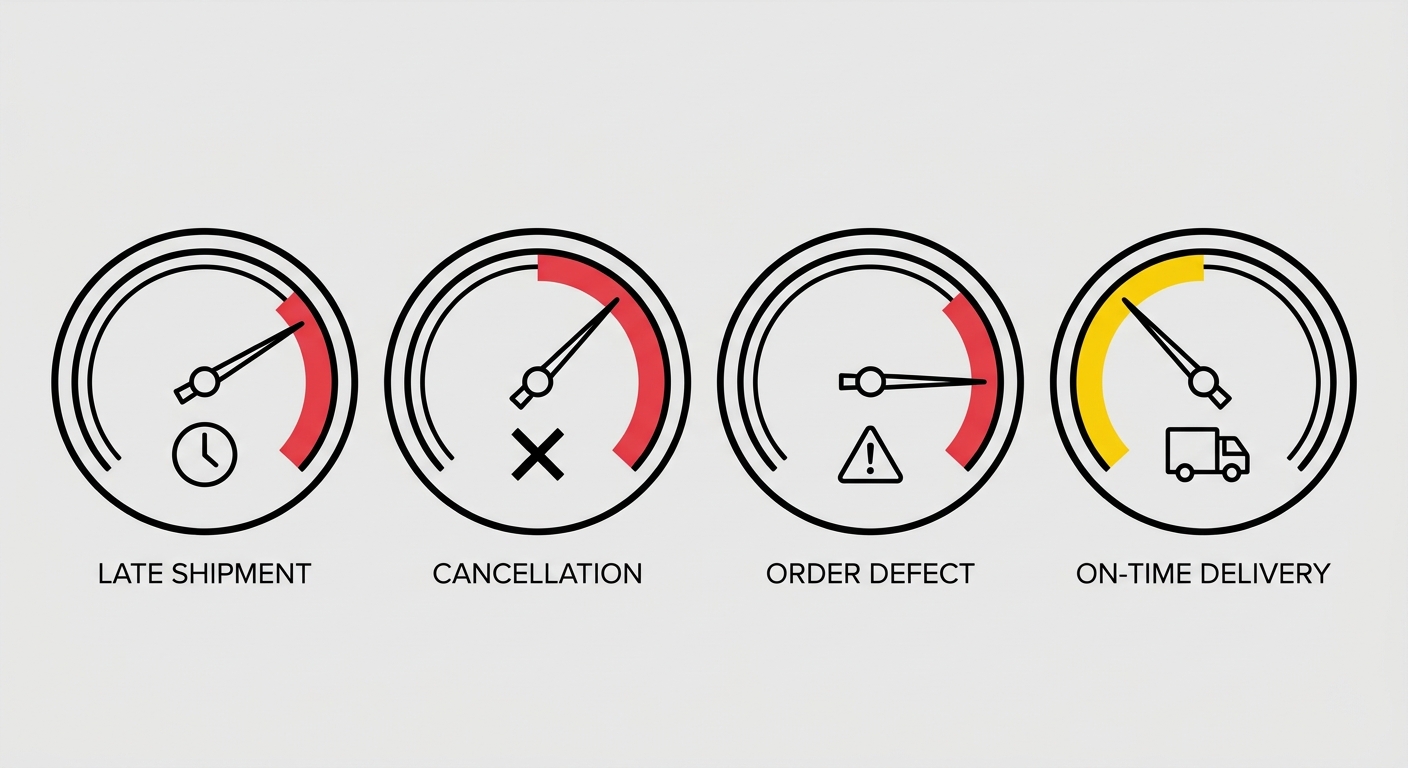
Amazon evaluates 4 performance policies to determine whether an individual FBM offer should be deactivated:
Cancellation Rate. This tracks seller-initiated order cancellations. Amazon expects sellers to keep this metric low, since frequent cancellations damage buyer trust and reflect inventory or fulfillment problems.
Late Shipment Rate. This measures how often orders are shipped after the expected ship date. Consistent delays here are one of the most common triggers for policy violations on seller-fulfilled listings.
Order Defect Rate (ODR). This is a broader customer experience metric that includes negative feedback, A-to-z Guarantee claims, and chargebacks tied to a specific offer.
On-Time Delivery Rate (OTDR). This tracks whether shipments arrive by the promised delivery date. OTDR was the first metric to move to listing-level enforcement earlier this year, and it remains one of the more sensitive metrics for sellers who rely on third-party carriers.
Each of these policies has its own help page inside Seller Central with specific thresholds and guidance. Since Amazon periodically adjusts these thresholds, it is worth reviewing the current requirements directly in your Account Health dashboard rather than relying on numbers from memory.
How Will Sellers Be Notified Before Deactivation?
Amazon states that sellers will receive a warning email before an offer is deactivated. That email includes details about which policy was violated and what steps are needed to resolve the issue.
This warning window matters. It is the difference between a manageable fix and a suspended offer sitting idle while it drags down your sales for that ASIN. Sellers who treat these emails as background noise, rather than as an actionable deadline, are the ones most likely to end up with a deactivated listing that could have been prevented entirely.
The practical takeaway is simple: Сheck your Seller Central notifications and the email address on file regularly, and respond to Account Health warnings the same day they arrive whenever possible.
How to Reactivate a FBM Deactivated Offer
If an FBM offer is deactivated, sellers can review the issue through the Account Health dashboard.
Go to Account Health Other Policy Violations, then follow Amazon's instructions to address the violation and reactivate the affected offer.
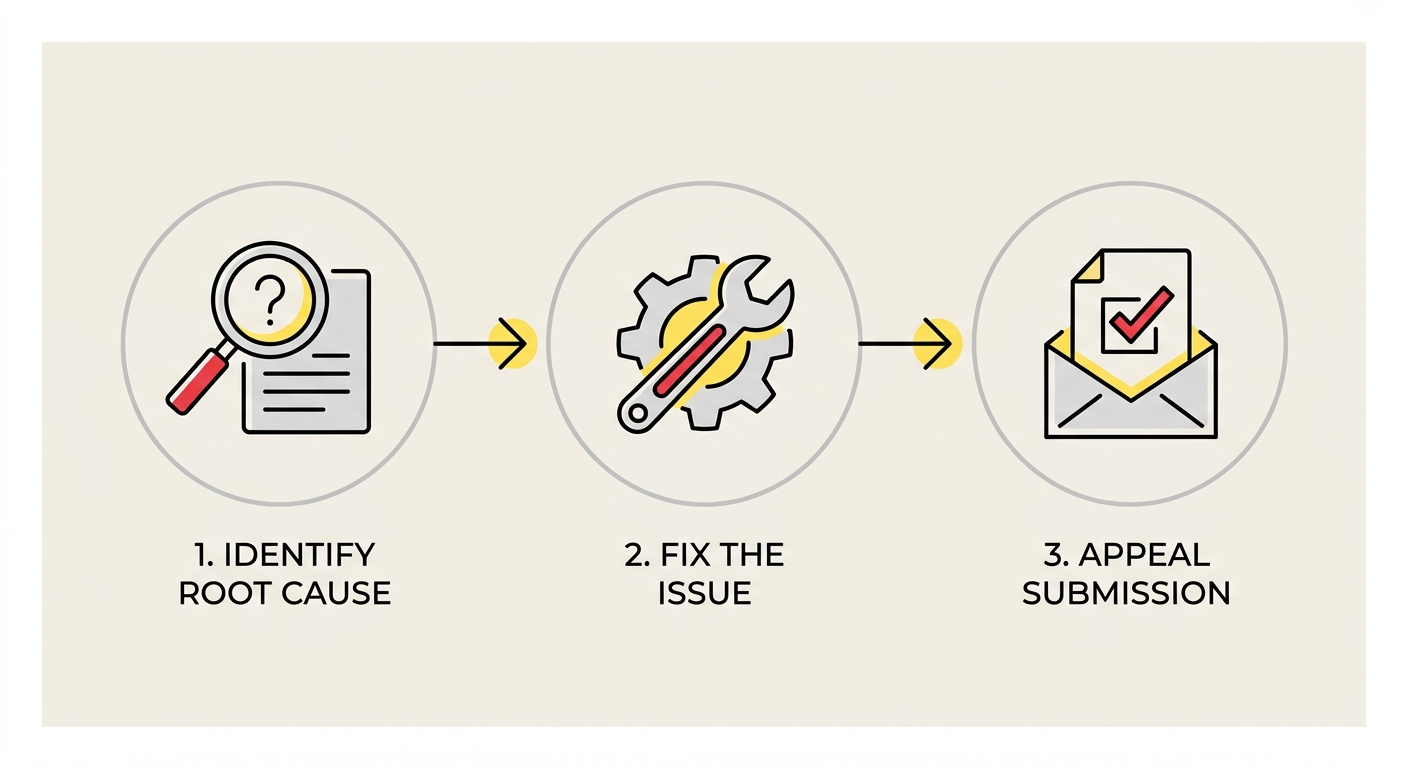
Amazon shows which policy triggered the deactivation, Cancellation Rate, Late Shipment Rate, Order Defect Rate, or On-Time Delivery Rate, with a Reactivate or Submit Appeal action next to that offer. From there, reactivation follows three steps:
Identify the root cause. A Late Shipment Rate violation might stem from a delayed carrier pickup, an unrealistic handling time, or a supplier delay. Know the actual cause before you appeal.
Fix the underlying issue. Adjust inventory, shipping settings, or fulfillment practices so the violation doesn't resurface after reactivation.
Submit a specific appeal. State the root cause, the corrective action taken, and the preventive steps going forward. Generic language is the most common reason appeals get rejected.
Timelines vary by policy. Metric-related violations, like Cancellation Rate or Late Shipment Rate, are often resolved within days once the offer meets the threshold again. Order Defect Rate cases can take longer, since Amazon looks for evidence the underlying customer experience issue was actually addressed.
What This Means for Amazon Sellers
This update gives FBM sellers more protection from individual listing-level performance problems. Instead of allowing one underperforming offer to create broader account-level consequences, Amazon is moving toward a more offer-specific enforcement approach.
That shift brings two practical takeaways:
Less exposure per mistake. A weak metric on a single SKU no longer puts your entire catalog at risk, which matters most for sellers running large, diverse listings.
Prevention still comes first. Sellers should keep monitoring Cancellation Rate, Late Shipment Rate, Order Defect Rate, and On-Time Delivery Rate closely. Staying ahead of these metrics remains the most reliable way to keep FBM offers active and maintain strong overall account performance.
In other words, Amazon has narrowed the consequence, not the standard. The policies still need to be met, and repeated or unresolved violations can still put more than one offer, or the account itself, at risk.
Offer Deactivations vs. Account Deactivations: What's the Difference?
It helps to be clear on what each type of deactivation actually means, since the two are easy to confuse but carry very different consequences.
An offer deactivation affects a single listing. It is triggered by one of the four policies covered above, Cancellation Rate, Late Shipment Rate, Order Defect Rate, or On-Time Delivery Rate. Your other listings stay active, your selling privileges remain intact, and the fix is typically a matter of resolving the root cause and submitting a targeted appeal.
An account deactivation is a different scale of problem. It suspends your entire selling account, and it is usually tied to issues like suspected fraud, intellectual property complaints, inauthentic items, or repeated, unresolved policy violations. Funds are typically withheld, all listings are removed, and reinstatement requires a full plan of action rather than a single offer-level fix.
The two are connected. An offer deactivation that gets ignored, mishandled, or repeated across multiple listings is one of the patterns Amazon's systems watch for when deciding whether a broader, account-level review is warranted. Treating an individual offer violation seriously, and resolving it correctly the first time, is part of what keeps it from escalating into something bigger.
What to Do If Your FBM Offer or Amazon Seller Account Is Deactivated?
Before submitting anything to Amazon, you need to know exactly what triggered the deactivation and why. Guessing at the root cause, or submitting an appeal based on assumptions, is one of the most common reasons reinstatement attempts fail on the first try.
The fastest way to get clarity is to upload your deactivation notice to our free Suspension Analyzer:
Full suspension breakdown in 60 seconds
No sign-up required, no obligation
Used by 2,000+ sellers to diagnose their suspension and identify the next steps toward reinstatement
Run Your Deactivation Notice Through Suspension Analyzer
Need Help With Reinstatement?
At Mr. Jeff AMZ, we specialize in reinstating suspended Amazon seller accounts, even in the most complex cases. Our team has successfully helped 700+ sellers get their accounts back and return to selling.
Here's what you get when you work with Mr. Jeff AMZ:
Insider Expertise. Our specialists include ex-Amazon staff and top Amazon sellers who understand exactly how Amazon reviews appeals behind the scenes.
Custom Plans, No Templates. Every submission is built from scratch, fully tailored to your specific violation type and account history.
Unlimited Revisions. We work on your case until reinstatement. No revision limits, no hidden fees.
Dedicated 1-on-1 Support. You'll have a personal senior reinstatement manager guiding you through every step of the process.
Fast-Track for Urgent Cases. If your business is on pause and time matters, we offer priority handling for urgent reinstatement cases.
Honest Case Review. If reinstatement isn't realistically possible, we'll tell you upfront. No false promises, no wasted time.
Fill out the form and get a free expert consultation with a detailed review of your Amazon suspension case.

Author
Helen
Head of Client Success at Mr. Jeff AMZ
Helen leads Sales & Client Success at Mr. Jeff AMZ, guiding Amazon sellers from their first suspension panic to a fully recovered account. With years of frontline experience managing reinstatement cases, she translates Amazon's dense policy language into clear, actionable next steps and keeps sellers informed at every stage of the appeal.
Connect on LinkedInFrequently Asked Questions
When does Amazon's new FBM policy violation enforcement take effect?
The new listing-level enforcement policy takes effect on August 31, 2026. After this date, Amazon will deactivate only the specific FBM offer tied to a policy violation, rather than flagging or suspending your entire seller account.
What happens to my other listings if one FBM offer violates Amazon's policy?
Under the new system, only the specific offer that triggered the violation will be deactivated. All your other active listings will remain live, and your overall Account Health will not be negatively impacted by that single underperforming offer.
Which performance metrics does Amazon evaluate before deactivating an individual FBM offer?
Amazon evaluates four key performance policies to determine if an FBM offer should be deactivated:
- Cancellation Rate – Seller-initiated order cancellations
- Late Shipment Rate – Orders shipped after the expected ship date
- Order Defect Rate (ODR) – Negative feedback, A-to-z claims, and chargebacks
- On-Time Delivery Rate (OTDR) – Whether shipments arrive by the promised date
Does this policy change mean FBM performance metrics no longer matter?
No, performance still matters significantly. The change simply means consequences are now proportional to the problem. Instead of risking your entire account over one underperforming SKU, only that specific offer will be deactivated while you address the issue.
How can I check the current performance thresholds for each FBM metric?
Each performance policy has its own help page inside Seller Central with specific thresholds and guidance. Since Amazon periodically adjusts these thresholds, it's recommended to review the current requirements regularly to ensure your offers remain compliant.
Was On-Time Delivery Rate (OTDR) already being enforced at the listing level?
Yes, OTDR was the first metric to move to listing-level enforcement earlier in 2026. The August 31, 2026 update extends this same logic more broadly across all FBM performance policies, including Cancellation Rate, Late Shipment Rate, and Order Defect Rate.
What should FBM sellers do to prepare for this policy change?
FBM sellers should take these steps to prepare:
- Review current performance metrics in Seller Central for all active listings
- Identify any offers that may be at risk of violating thresholds
- Address inventory, fulfillment, or carrier issues proactively
- Regularly monitor Amazon's help pages for updated threshold requirements