
Amazon Tips
Why Is My Amazon Seller Account Deactivated? Proven Steps to Get Reinstated
February 15, 2026
Key Takeaways
- Amazon deactivates seller accounts due to specific triggers including inauthentic complaints, intellectual property violations, related accounts, performance metrics, review manipulation, restricted products, or verification failures.
- Successful reinstatement requires identifying the exact suspension trigger first, then submitting documentation and a Plan of Action aligned with that specific violation category.
- Amazon expects commercial invoices with traceable supply chains for authenticity suspensions, not retail receipts or explanations that products are genuine.
- Related account suspensions occur when Amazon detects connections through shared devices, IP addresses, business information, or staff access even from former associates or family members.
- Performance metric suspensions require root cause analysis with specific corrective actions already implemented, not excuses like being overwhelmed or understaffed.
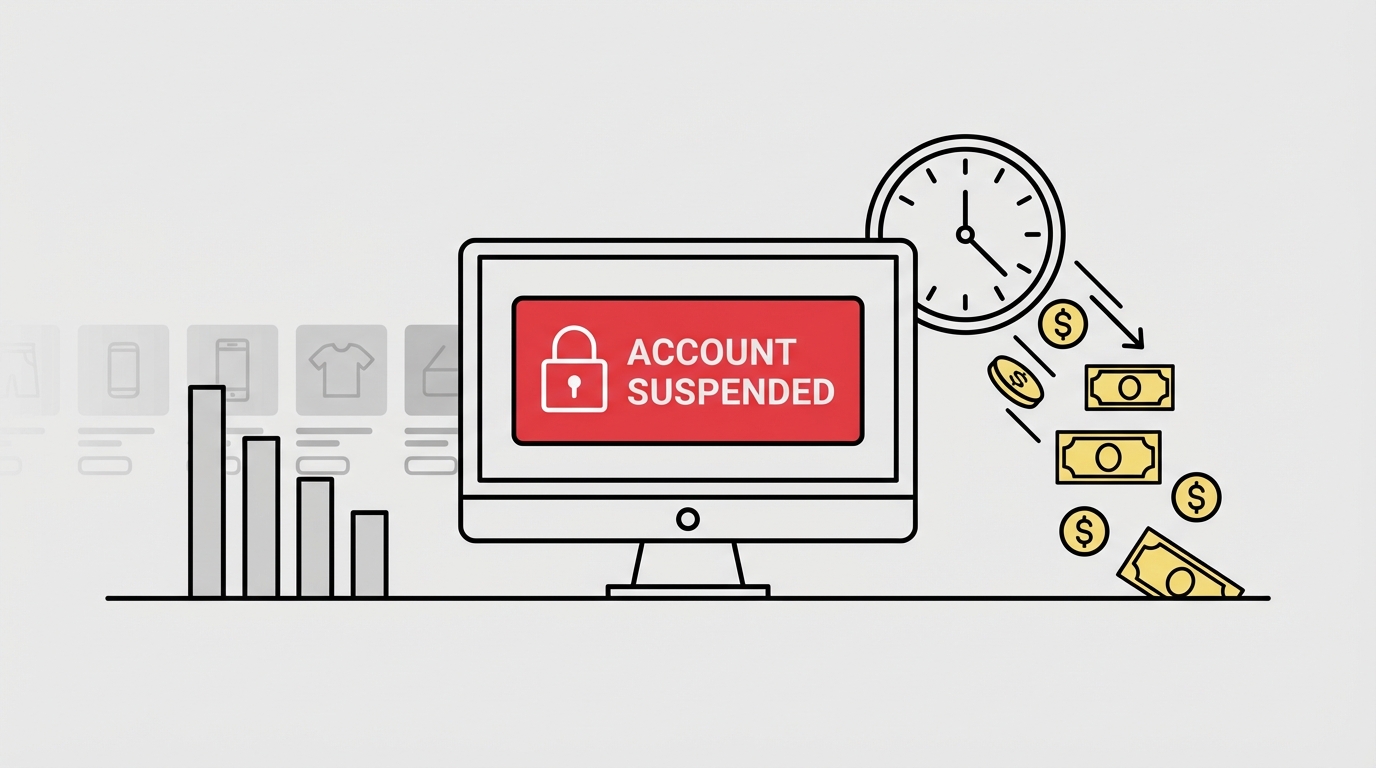
Getting your account suspended on Amazon is one of the most stressful situations any seller can face. One moment you’re processing orders and scaling your PPC campaigns — the next, your selling privileges are removed, listings are inactive, and revenue drops to zero.
Every hour your account remains suspended, you’re not just losing sales. You’re losing ranking, Buy Box share, advertising momentum, and customer trust. For many sellers, this isn’t just an inconvenience — it’s a direct threat to cash flow, inventory turnover, and even long-term brand survival.
The worst part? In many cases, sellers don’t fully understand why their Amazon seller account was deactivated. The performance notification can be vague. The appeal gets denied. Panic leads to rushed responses. And each incorrect submission makes reinstatement harder.
But here’s the truth: Amazon rarely deactivates accounts “randomly.” There is always a trigger — policy, performance, verification, or risk signals. The key to fast reinstatement is identifying that trigger and responding with the right strategy from the start.
For official guidelines, refer to Amazon Seller Central Appeal Process and Amazon Account Health dashboard.
In this guide, we’ll break down the real reasons Amazon seller accounts get suspended — and show you the proven steps to reinstate your account the right way.
What Is an Amazon Account Suspension?
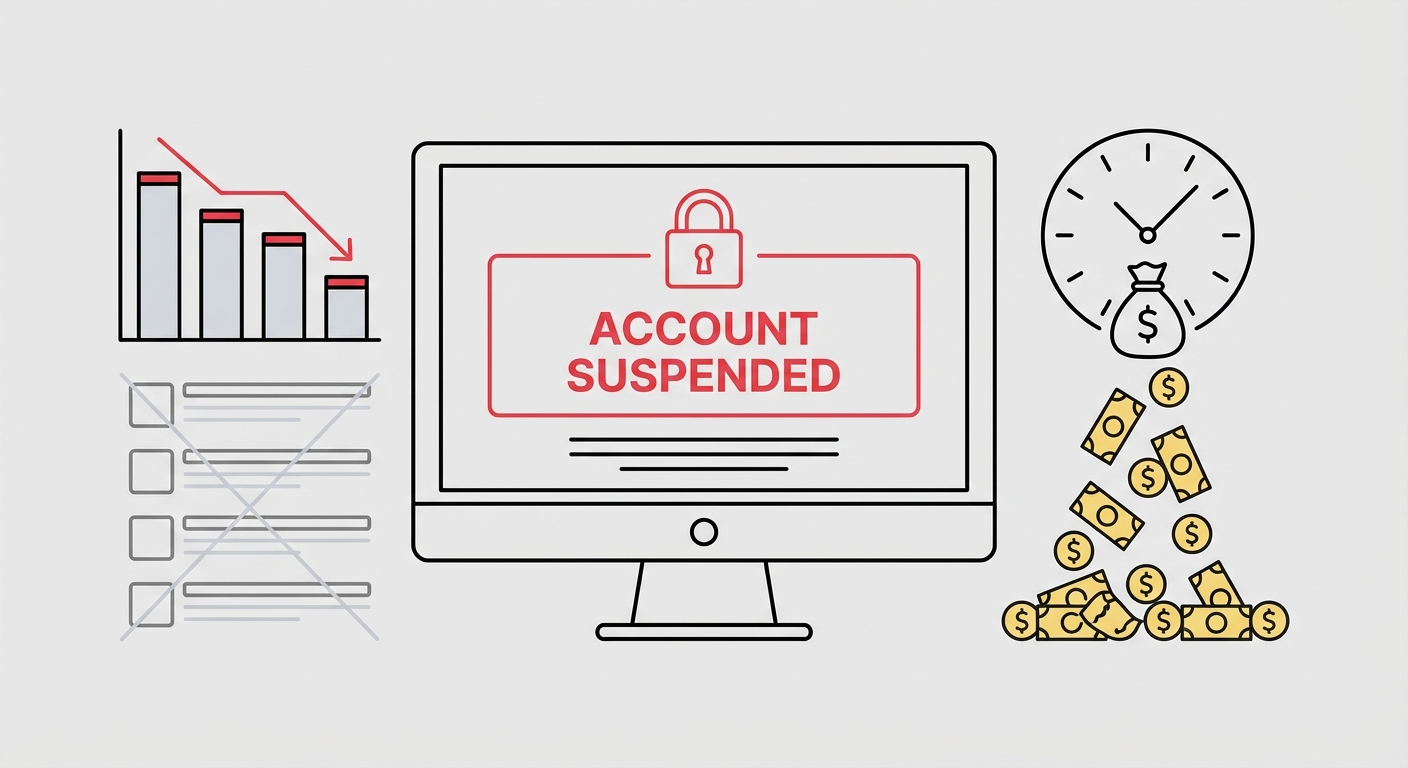
An Amazon account suspension is when Amazon temporarily removes your selling privileges due to a policy violation, performance issue, or risk concern. When this happens, you can no longer sell products, create new listings, or receive payouts — and your existing ASINs may become inactive.
In most cases, Amazon sends a Performance Notification inside Seller Central explaining that your account has been suspended or deactivated. This notice typically includes the reason category (for example, inauthentic complaints, intellectual property violations, related accounts, or poor performance metrics) and instructions on how to appeal.
There are generally three enforcement levels sellers encounter:
ASIN-level suspension – Specific listings are removed, but your account remains active.
Account suspension / deactivation – Your entire seller account is disabled until you successfully appeal.
Permanent ban – Selling privileges are permanently revoked (rare but possible in severe cases).
Amazon’s primary goal is protecting customers. If their system detects risks — whether related to product authenticity, intellectual property, review manipulation, multiple accounts, or performance metrics — enforcement action can happen quickly.
The key difference between sellers who recover fast and those who remain suspended for months is simple:
They understand the exact trigger and respond with a structured, policy-aligned reinstatement strategy instead of guessing.
Common Reasons Amazon Deactivates Seller Accounts
Amazon does not deactivate accounts randomly. In nearly every case, there is a specific trigger behind the enforcement action and that trigger determines what kind of appeal and documentation you must submit.
Below are the most common reasons we see behind Amazon seller account suspensions, along with what Amazon typically expects in response.
1) Inauthentic / Counterfeit Complaints (Supply Chain Issues)
This is one of the fastest ways to lose selling privileges. A rights owner complaint, a failed test buy, or even repeated buyer complaints can trigger an authenticity investigation.
The mistake many sellers make is assuming that “the products are real” is enough. For Amazon, authenticity is about documentation and traceability — not belief.
What Amazon wants to see:
Identifying the exact suspension trigger is crucial for successful reinstatement
Valid commercial invoices (not retail receipts)
A clear, traceable supply chain from manufacturer or authorized distributor
Product and packaging consistency
Correct condition (new vs. used) and brand attribution
Quantities and dates that match your sales history
If your documentation doesn’t fully align with your inventory and listing data, reinstatement becomes significantly harder.
2) Intellectual Property (IP) Complaints
IP suspensions are documentation-driven. Amazon expects proof — not explanations.
If a brand files a trademark, copyright, or patent complaint, Amazon will typically require concrete evidence that you are authorized to sell the product or that your listing does not infringe.
What Amazon wants to see:
Authorization letters (if you are a reseller)
Licensing agreements (where applicable)
Edited listings removing infringing text, images, or claims
Evidence that the product and listing are fully compliant
Simply stating that “the complaint is unfair” or “the product is authentic” is rarely effective without supporting documentation.
3) Multiple Accounts / Related Accounts (Linked Accounts)
Amazon strictly enforces its multiple accounts policy. Even if you believe you have never opened another account, Amazon may detect connections through:
Shared devices or IP addresses
Shared business information
Historical account links
Staff or virtual assistant access
You can be suspended due to another account’s violation — even if that account belongs to a partner, family member, or former associate.
What Amazon wants to see:
Clear ownership structure
Detailed explanation of any potential connection
Timeline of access (who accessed which account and when)
Evidence of operational independence (if accounts are unrelated)
Related account suspensions require precision and clarity. A vague explanation almost always leads to denial.
4) Seller Performance Metrics (ODR, Late Shipment Rate, Cancellations)
Amazon prioritizes customer experience. If your performance metrics exceed acceptable thresholds or if issues persist without correction — enforcement action may follow.
Common triggers include:
High Order Defect Rate (ODR)
Elevated Late Shipment Rate
High Pre-Fulfillment Cancellation Rate
Negative customer feedback patterns
What Amazon wants to see:
A clear root cause analysis (not excuses)
Specific corrective actions already implemented
Operational improvements (automation, staffing, carrier changes)
A measurable monitoring and prevention plan
Saying “we were overwhelmed” is not a root cause. Amazon expects process-based solutions.
5) Review Manipulation (Insert Cards & Incentives)
Amazon allows sellers to request reviews — but only in a neutral, non-manipulative way.
Any attempt to influence the sentiment of a review or offer incentives in exchange for feedback can trigger a violation.
High-risk examples include:
“Leave a 5-star review and receive a discount”
Gift cards or rebates tied to reviews
“Contact us before leaving negative feedback” language
Insert cards that redirect customers off Amazon to resolve complaints
Even small packaging inserts can create major account risk if they violate Amazon’s review policies.
6) Selling Prohibited or Restricted Products
Certain categories require prior approval, safety documentation, compliance certificates, or testing reports. Listing restricted products without approval can lead to ASIN removal — and in serious cases, account suspension.
Examples often include:
Supplements
Cosmetics
Electronics
Toys (especially seasonal compliance periods)
Hazardous materials
If Amazon cannot verify compliance documentation, enforcement escalates quickly.
7) Verification Failures (KYC / Business Identity Issues)
Not every deactivation is policy-based. Sometimes the issue is verification.
Amazon may suspend accounts due to:
Inconsistent business information
Failed identity verification
Bank account mismatches
Address discrepancies
Incomplete tax documentation
In these cases, a traditional Plan of Action (POA) is often ineffective. Reinstatement depends on providing consistent, accurate documentation that matches your Seller Central profile.
How to Identify the Deactivation Trigger (The Fastest Way)
When your Amazon seller account gets deactivated, the biggest mistake you can make is guessing the reason.
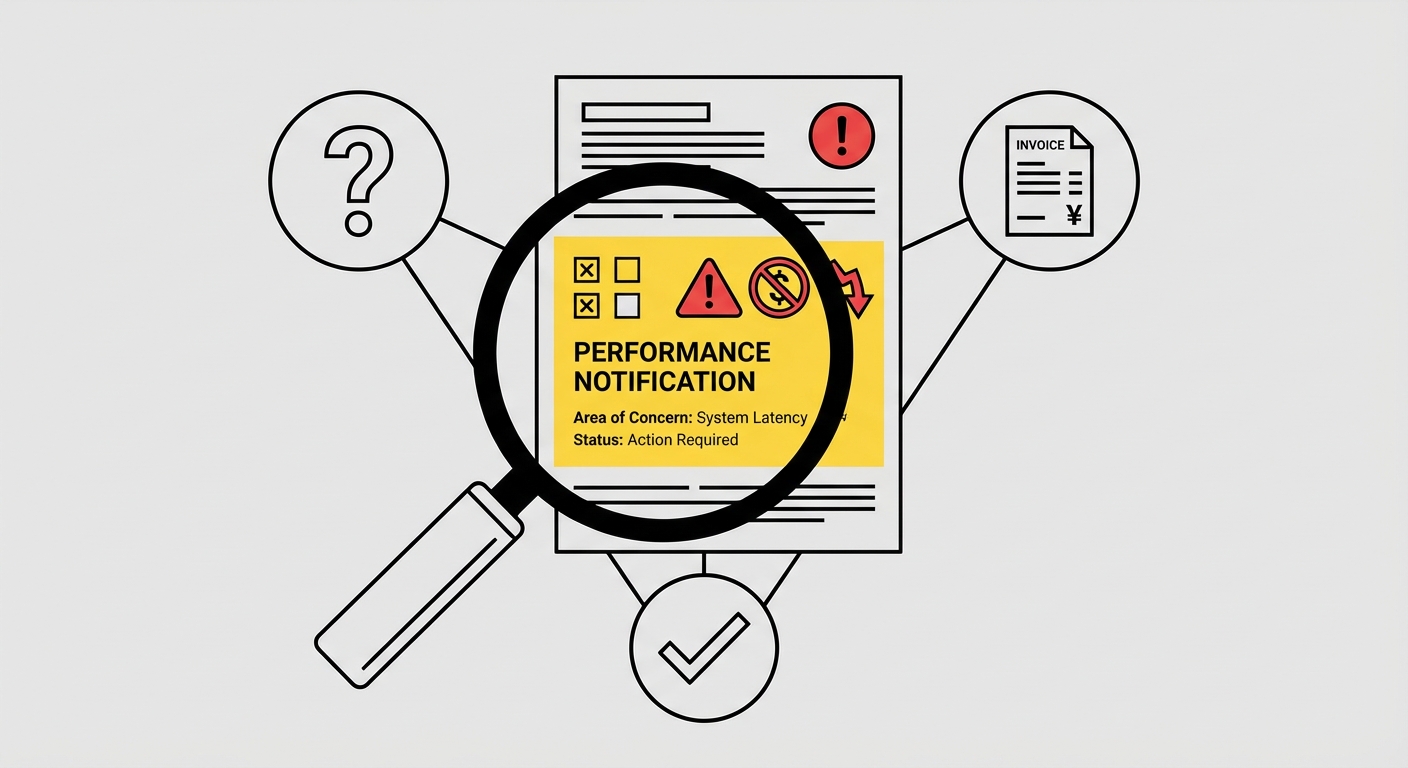
Performance notifications are often vague. The wording can be broad — “policy violation,” “risk related to your account,” “inauthentic complaints,” “linked accounts.” Many sellers misinterpret the trigger, submit the wrong type of appeal, and receive an automatic rejection.
The fastest way to move forward is simple:
Identify the exact trigger of Amazon suspension before writing appeal.
That’s where a Suspension Analyzer (Ban Decoder) — becomes critical.
What іs the Suspension Analyzer (Ban Decoder)?
Ban Decoder is a structured suspension analysis tool designed to:
Break down your Performance Notification language
Identify the likely trigger category (inauthentic, IP, related accounts, performance, verification, etc.)
Clarify what Amazon actually expects from you
Provide a strategy aligned with Amazon’s internal review logic
Outline the exact documentation checklist you’ll need
Instead of rewriting appeals blindly, you get clarity first.
Why Sellers Use Ban Decoder Before Appealing
Most appeal denials happen for one reason: The appeal does not match the real trigger.
For example:
Submitting a long POA when Amazon actually needs invoices
Writing operational improvements when the issue is identity verification
Arguing authenticity when the problem is a related account connection
Ban Decoder prevents this misalignment.
It saves time, protects your appeal attempts, and increases the probability of reinstatement by focusing your response on what matters.
How to Use Ban Decoder (Step-by-Step)
Upload or paste your Performance Notification details
Answer a few structured questions about your account situation
Receive a breakdown of the likely trigger category
Get a recommended reinstatement strategy
Follow the documentation and action checklist before submitting your appeal
The process takes minutes and can prevent months of back-and-forth denials.
→ Run Your Suspension Diagnostic Now
The Proven Reinstatement Process (What Actually Works)
Reinstating an Amazon seller account is not about writing a longer appeal.
It’s about submitting the right appeal aligned with the exact trigger and supported by the correct evidence.
Here’s the structured process that works.
Step 1: Read the Performance Notification Like an Auditor
Most sellers read the suspension notice emotionally.
You need to read it strategically.
Your Performance Notification typically contains:
The enforcement category (even if phrased vaguely)
What Amazon expects you to submit (POA, invoices, verification documents, questionnaire, etc.)
Where to respond inside Seller Central
Before you write a single sentence, pause.
You should be able to clearly answer:
What is the exact trigger category? (Inauthentic? IP? Related accounts? Performance? Verification?)
Is Amazon asking for documentation, a Plan of Action, or identity confirmation?
What is the minimum credible fix required for reinstatement?
If you cannot answer these three questions with certainty, you are not ready to submit an appeal.
Step 2: Identify the Trigger With Suspension Analyzer (Ban Decoder)
If the notification is unclear or you’ve already received a denial — you don’t need another rewrite.
Run a suspension diagnostic first.
The Suspension Analyzer (Ban Decoder) helps you:
Break down the exact enforcement language used in your notification
Determine the most likely trigger category (policy violation, performance metrics, verification issue, or related accounts)
Identify the precise documentation and evidence Amazon expects
Build a reinstatement strategy aligned with how Amazon actually reviews cases
Why This Matters
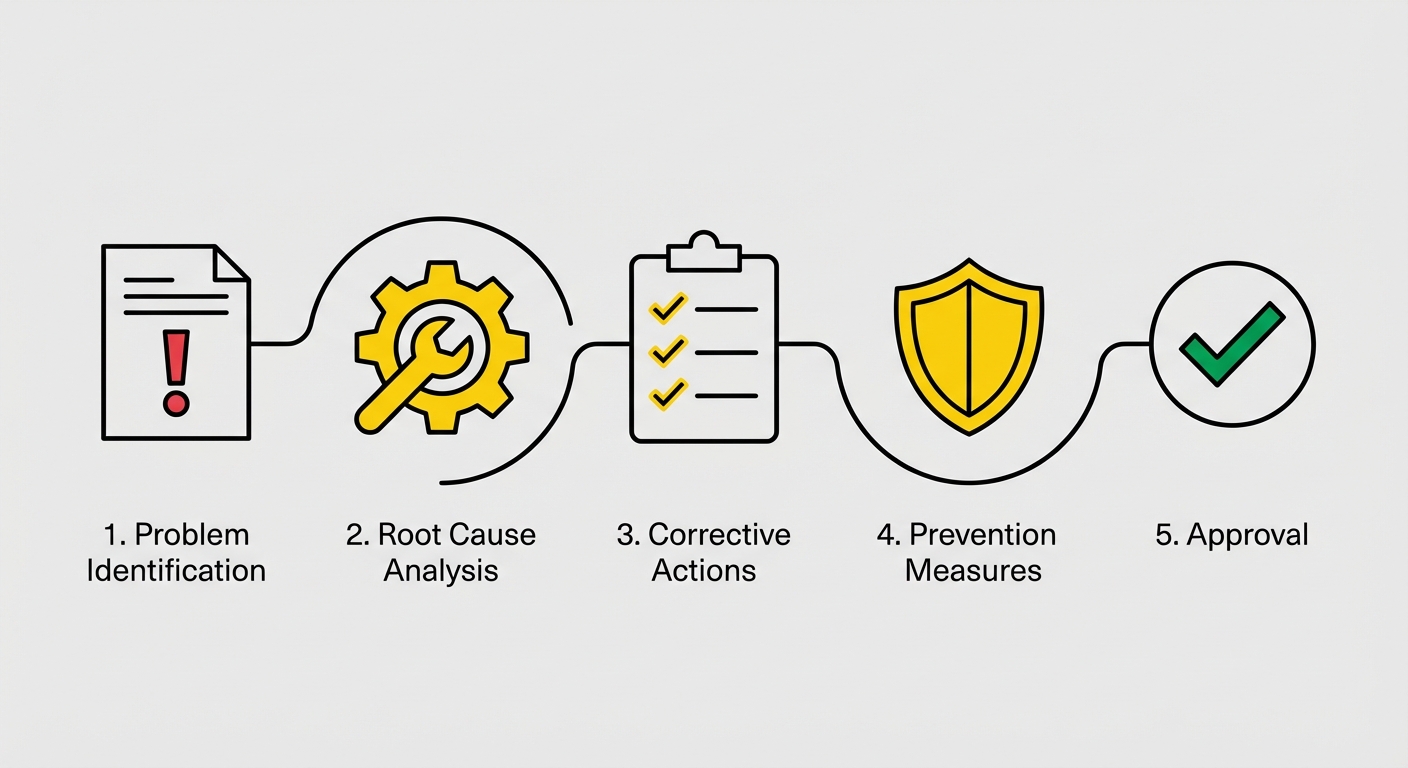
Amazon reviewers look for alignment. When your appeal clearly follows:
Problem → Root Cause → Fix → Prevention → Proof …your case is easier to approve.
When it doesn’t match the trigger, you get delays, generic responses, and repeated denials.
Ban Decoder protects you from burning appeal attempts blindly.
Step 3: Build a POA That Matches Amazon’s Review Logic
Not every case requires a Plan of Action.
But if Amazon asks for one, it must be structured and precise.
A strong POA is not long. It’s focused. Use this framework:
1. Root Cause
What actually caused the violation?
Process failure
Supplier gap
Listing error
Training issue
Operational breakdown
Avoid emotional explanations. Focus on systems.
2. Corrective Actions
What you already did:
Removed or corrected impacted listings
Contacted affected customers
Suspended risky inventory
Updated internal processes immediately
Amazon wants to see action — not intention.
3. Preventive Measures
How you will prevent this from happening again:
New SOP implementation
Supplier verification procedures
Quality control steps
Staff retraining
Automation or monitoring tools
Regular internal audits
Clarity and concision matter. Unfocused or overly long appeals often get rejected.
Step 4: Attach the Right Evidence (This Is Where Appeals Win or Lose)
Amazon is documentation-driven.
Depending on your trigger, you may need:
Commercial invoices (matching quantities and dates)
Authorization letters (for IP complaints)
Compliance documentation
Screenshots of new operational workflows
Carrier agreements or fulfillment changes
Customer remediation proof
Account separation evidence (for related accounts cases)
Critical Reminder:
Retail receipts are typically not accepted as valid supply chain proof in authenticity investigations. If your case involves inauthentic complaints, documentation is not optional — it is the core of your appeal.
Step 5: Submit Appeal Through Seller Central
Once your appeal and documents are ready, submit them through the correct workflow inside Seller Central.
Correct Process:
Go to Seller Central → Performance → Account Health
Open the original Performance Notification
Click “Appeal” or “Reactivate your account”
Submit your full response inside that case thread
Upload all required documents in the same submission
Always respond within the original enforcement case. This ensures your appeal goes to the correct internal review queue.
❌ Avoid These Mistakes
Don’t use generic templates without identifying the trigger
Don’t blame Amazon, competitors, or customers
Don’t submit a long “story” instead of a structured response
Don’t ignore documentation requirements
Don’t change your explanation with every appeal attempt
Inconsistency damages trust.
How to Escalate an Amazon Suspension Case
Escalation is not about pushing harder. It’s about escalating correctly and only when the foundation is solid.
In most cases, escalation makes sense only if:
You’ve already submitted a complete, trigger-aligned appeal
All required documentation was attached
You received a generic or template denial
The case has stalled without meaningful feedback
If your root cause or documents are weak, escalation will not fix the problem. It will simply lead to another rejection.
Proven Escalation Methods
1. Secondary Review Inside Seller Central
Start by replying in the original Performance Notification.
Request a manual secondary review
Confirm that all documentation was attached
Ask if anything specific is missing
Keep it concise and professional.
Do not open new parallel cases.
2. Account Health Support Call
If available, request a call through Account Health.
This does not guarantee reinstatement, but it can:
Clarify what the reviewer is actually looking for
Confirm whether documentation meets requirements
Identify gaps before resubmitting
Use it for clarity — not argument.
3. Supervisor-Level Escalation
If denials continue despite strong documentation, request escalation to a senior Seller Performance reviewer.
Your escalation summary should include:
Violation category
Documents submitted
Corrective actions taken
Preventive controls implemented
Structure increases credibility.
4. BBB Escalation (External Escalation)
In certain U.S.-based cases, sellers may escalate through the Better Business Bureau (BBB).
This method:
Submits a formal complaint
Routes the case to Amazon’s executive response team
Often triggers a higher-level manual review
BBB escalation should only be used when:
Your case is fully compliant
Internal appeals were exhausted
You have strong documentation to support your position
It is not a shortcut — it’s a strategic escalation channel.
5. Executive Escalation (Advanced Cases)
For complex or high-revenue accounts, escalation may involve:
Executive Seller Relations
Structured compliance summaries
Legal or regulatory review in rare situations
This level requires a technically strong case file.
Got Suspended on Amazon? Get Expert Help From Mr. Jeff AMZ
If your Amazon seller account or ASIN has been suspended, don’t risk trial-and-error appeals. One wrong move can delay reinstatement for months or permanently damage your account history.
Let Mr. Jeff AMZ reinstate your seller account faster with a proven, policy-aligned strategy:
✔️ 600+ successfully reinstated accounts
✔️ Policy-aligned appeals (no templates, no guessing)
✔️ Dedicated Appeals Manager assigned to your case
✔️ Multi-level escalation strategy for complex suspensions
✔️ Clear, honest case assessment before any work begins
Whether you’re dealing with a Section 3 suspension, related accounts, inauthentic claims, or verification issues, our team understands how Amazon reviews appeals behind the scenes and how to respond the right way.
👉 Get a free expert case review and understand your real reinstatement options before making your next move.

Author
Helen
Head of Client Success at Mr. Jeff AMZ
Helen leads Sales & Client Success at Mr. Jeff AMZ, guiding Amazon sellers from their first suspension panic to a fully recovered account. With years of frontline experience managing reinstatement cases, she translates Amazon's dense policy language into clear, actionable next steps and keeps sellers informed at every stage of the appeal.
Connect on LinkedInFrequently Asked Questions
What happens to my inventory and funds when my Amazon seller account is deactivated?
When your account is deactivated, you can no longer sell products, create new listings, or receive payouts. Your existing ASINs become inactive, and Amazon typically holds your funds for 90 days or until the suspension is resolved. You'll need to successfully appeal the suspension to regain access to your inventory and pending payments.
How long does it take to get my Amazon seller account reinstated?
The reinstatement timeline varies depending on the suspension reason and the quality of your appeal. Sellers who identify the exact trigger and submit a well-structured, policy-aligned appeal can be reinstated within 48-72 hours. However, incorrect appeals or guessing at the reason can extend the process to weeks or even months.
How do I find out why my account was suspended?
To find out why your Amazon seller account was suspended, check the Performance Notification in Seller Central under Account Health, where Amazon outlines the violation category and required next steps. If the reason is unclear or you’ve received a denial, use the Suspension Analyzer by Mr. Jeff AMZ to identify the exact trigger and build a reinstatement strategy aligned with Amazon’s review logic.
Can I create a new Amazon seller account if mine gets deactivated?
No. Creating a new Amazon seller account while suspended violates Amazon’s Multiple Accounts Policy and can trigger a related accounts suspension. Instead of bypassing the system, focus on submitting a proper appeal to reinstate your existing account.
What should I include in my Amazon reinstatement appeal?
A successful appeal must identify the exact violation trigger and provide a structured, policy-aligned response. This includes acknowledging the issue, explaining the root cause, detailing corrective actions taken, and presenting a prevention plan. Avoid emotional language, excuses, or guessing at the reason – focus on demonstrating you understand and have resolved the specific policy concern.
How many times can I appeal an Amazon account suspension?
While Amazon doesn't specify a limit, each incorrect submission makes reinstatement harder. Quality matters more than quantity – a single well-crafted appeal addressing the exact issue is far more effective than multiple rushed attempts. If your first appeal is denied, carefully review Amazon's feedback before resubmitting, as repeated poor appeals can lead to permanent deactivation.